All insights

·

Daniel Asper
Create Pages from Word, Excel and PowerPoint Files
In addition to PDFs, you can now upload Word documents, Excel spreadsheets and PowerPoint presentations to create a Page or to ask questions in chat.
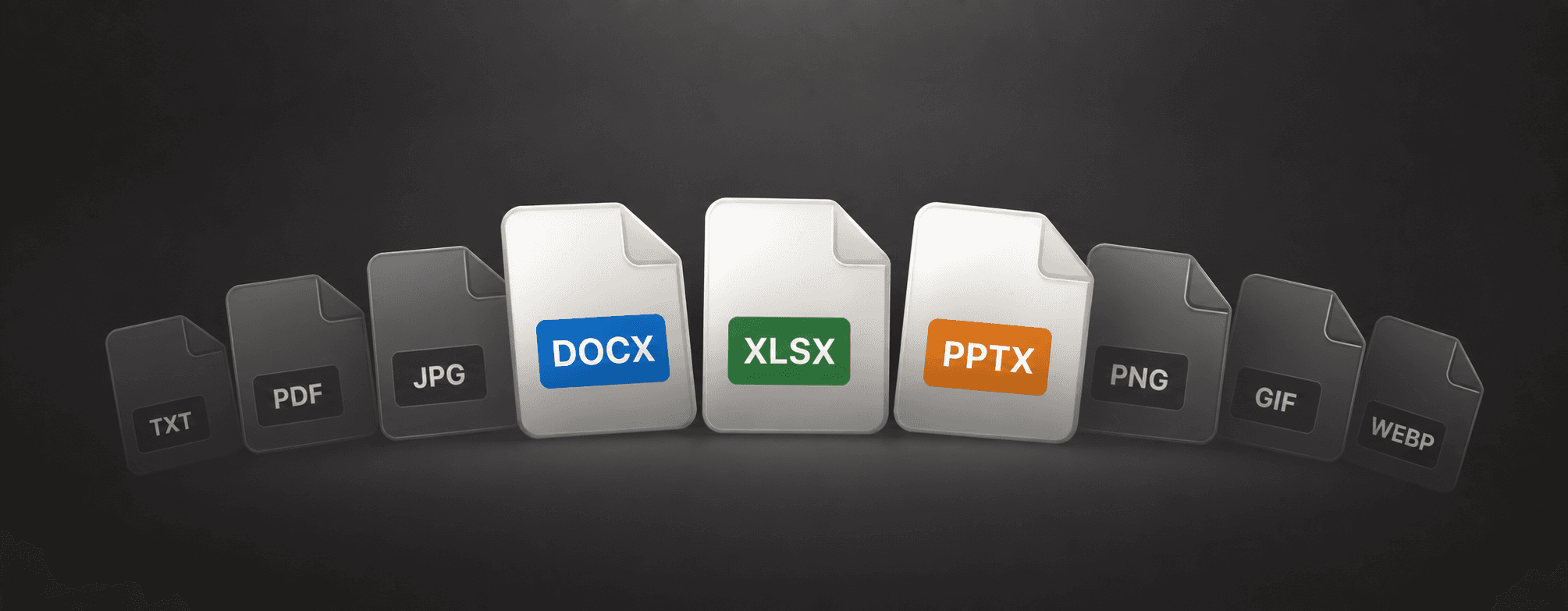
The documents that matter in a client relationship rarely arrive as PDFs. The plan is in Word. The projections are in Excel. The dealer’s product overview is a PowerPoint deck. Continuum now takes all three, plus PDFs and images, as a starting point for a Page or as something to ask questions about in chat.
Turn a document into a client-ready Page
While creating a Page, upload a file and tell Continuum what you want: a client-ready summary, an analysis, a comparison, or any other deliverable. Continuum reads the document, extracts the numbers and structure, and drafts a branded Page with the charts and tables that follow from the data. You review it in the editor, refine it through chat or by typing, and publish when it is right.
A spreadsheet of scenario projections becomes an interactive comparison a client can explore. A forty-page plan becomes a Page that leads with the decisions and keeps the detail one click away. A product deck becomes a recommendation written in your voice with the relevant slides attached.
Ask questions about any file
You can also upload Word, Excel and PowerPoint files directly in chat to ask about their contents. Try “what assumptions does this plan make about inflation” or “which of these three illustrations has the lowest cost over twenty years.” Continuum answers from the file, and you can carry the answer straight into a Page.
Supported formats
PDF, Word, Excel, PowerPoint, and common image formats including PNG, JPG and GIF. The original file can be attached to the Page so the client has the source alongside the summary, and downloads are tracked in Page engagement.
Review before you publish
Extracted numbers are only as good as the source document, so check figures, client names and disclosure-sensitive language before publishing, as you would with any deliverable. Nothing reaches a client until you publish and send the link yourself.
Pages is available with Continuum Pro. File uploads in chat are available to everyone.
Daniel Asper
Daniel Asper is CEO and co-founder of Continuum.