All insights

·

Daniel Asper
Capture Phone Calls Like Any Other Meeting
Continuum can join your phone calls, with consent, and return a transcript, summary and tasks the moment you hang up. From desktop or mobile, no video call required.
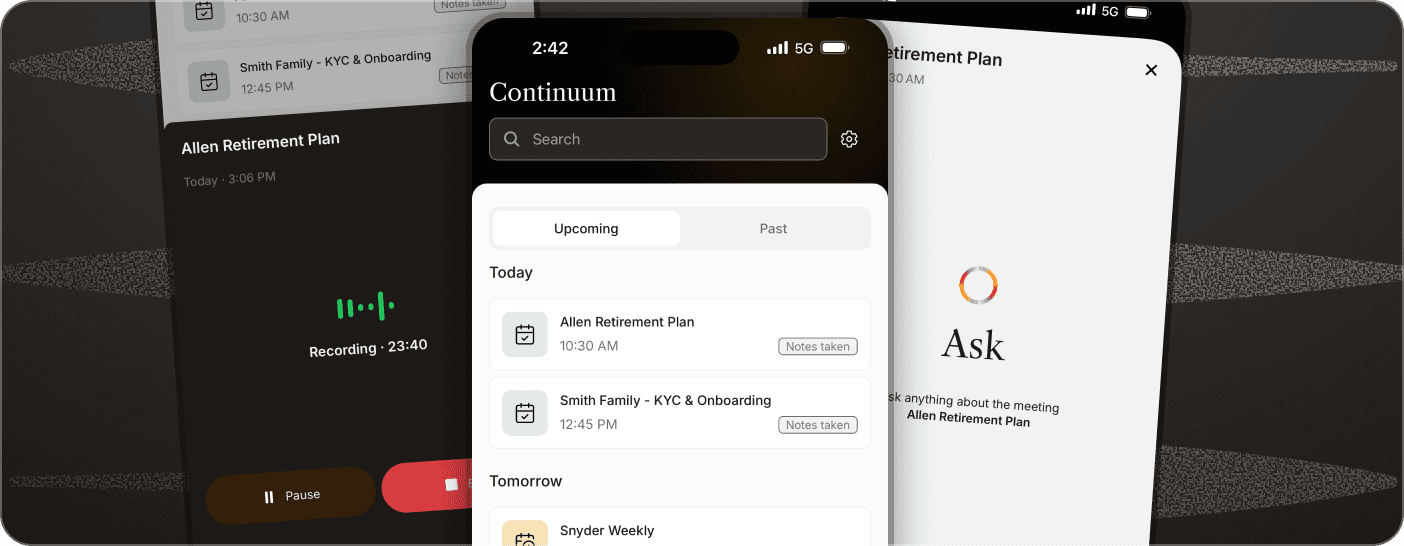
Most advisor-client touchpoints are not scheduled video meetings. They are ten-minute phone calls that never make it into the record. Continuum now captures those calls the same way it captures Zoom, Teams, Meet and in-person meetings: no bot, consent handled, and a transcript, AI summary and action items waiting when you hang up.
How it works
You start the call from your phone as you normally would. Then you pull Continuum in. Continuum calls you on a number you choose, you answer, and you merge that call into the conversation you are already having. All three lines are bridged, both sides are captured, and a new meeting is created automatically with the transcript and summary once the call ends. You can use it for client calls, prospecting calls or anything you would normally want a notetaker on.
There is no number verification to set up. Pick the number you want Continuum to call and you are ready. One tip before your first call: save Continuum’s outbound numbers as a contact, so your phone’s spam filter or Silence Unknown Callers does not block the call-back.
Three ways to start from the desktop app
Press Cmd+K on Mac or Ctrl+K on Windows and type Capture phone call. Or on the Meetings page, open the New meeting dropdown and choose Capture phone call. Or open any existing meeting, click the menu in the top right, and choose Capture phone call to attach the call to that record.
Works with office extensions
If your firm’s phone system routes through extensions, you can add yours to your Continuum phone number. Go to Settings, then Profile, and select the gear icon beside your number to add or update the extension. Continuum dials straight through.
Same workflow, same record
A captured call lands in your Meetings list beside everything else. It gets the same summary template you use for meetings, the same task suggestions, and the same one-click push to your CRM. Consent is logged on the meeting, and no audio is ever recorded or stored; the call is streamed live for transcription and only the text remains.
If you want to see it end to end, the help centre walks through every path, including starting a call from the mobile app.
Daniel Asper
Daniel Asper is CEO and co-founder of Continuum.